
Jenny-mod.com Suspicious Dating Website
Jenny-mod → Safety Check
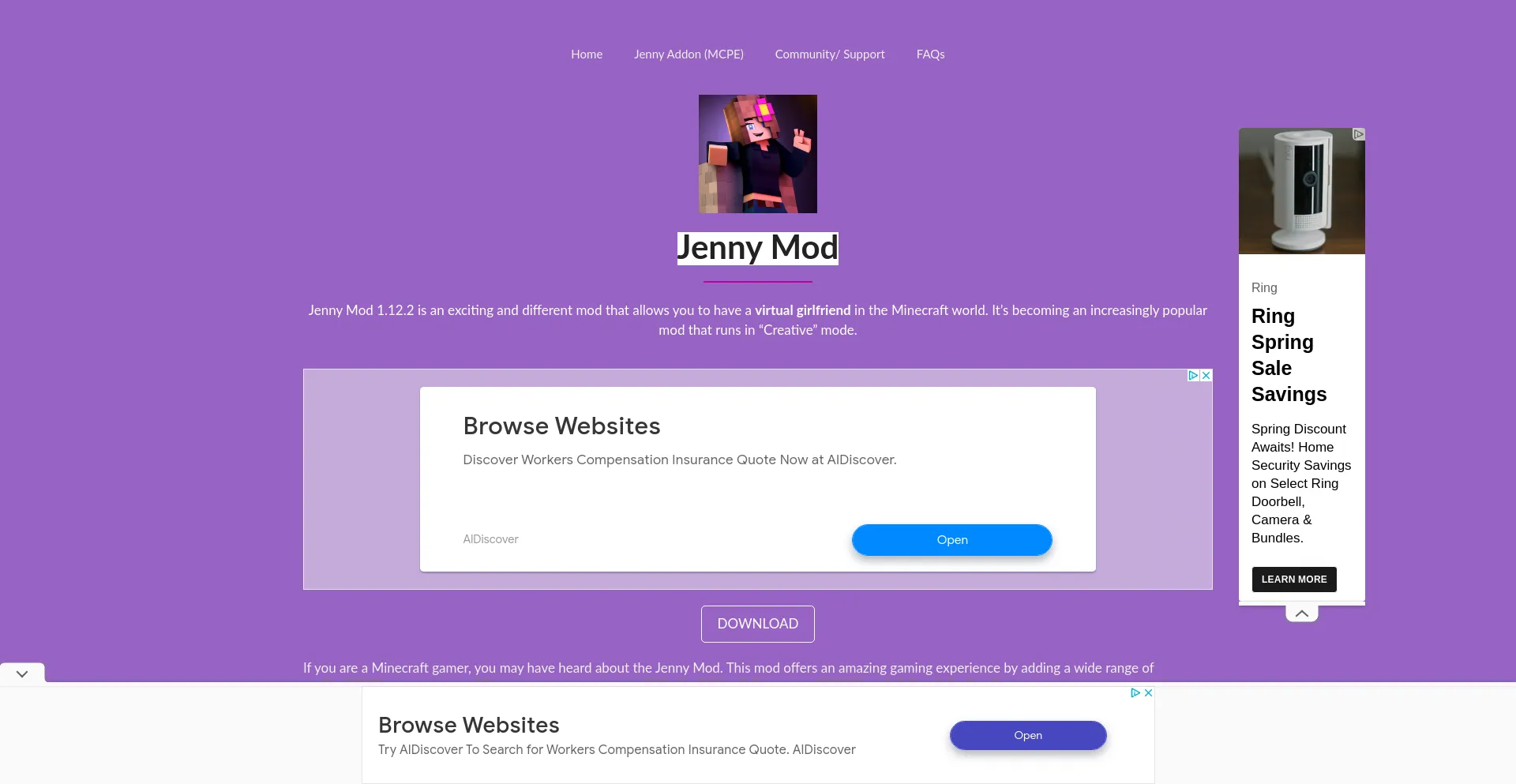
What is Jenny-mod?
Jenny-mod.com operates a dating platform classified as suspicious due to untrustworthy operational practices including fake user profiles, catfishing schemes, and potential fraud vectors targeting users seeking romantic connections.

- Email: [email protected]
- Phone: +1.9854014545
Is jenny-mod.com safe?
— Unfortunately, not likely.
🚨 Gridinsoft blocks this website because it was classified as suspicious dating website.
As of December 26, 2025, Jenny-mod.com has a low trust score of 39/100 according to our algorithm. Through the security analysis, it has been identified as a potential suspicious dating website. Our detection system has found multiple risk indicators, and we recommend avoiding this website.
Why is jenny-mod.com marked "Suspicious Dating Website"?
Gridinsoft evaluates jenny-mod.com, focusing on hidden ownership details, limited website popularity, suspicious content indicators (Blacklisted), hosting technology and infrastructure, SSL certificate status, website reputation across multiple databases. We weigh these indicators to calculate the trust score.
Gridinsoft Internet Security classified jenny-mod.com as unsafe.

Stay safe with Gridinsoft Anti-Malware: Protect your browser, remove harmful extensions, and secure your privacy in just a few clicks.
Security Risk Detected
Security Advisory: This website poses potential security risks. Please exercise caution when browsing.
Domain Information
Technical Details
Content Analysis
Security Analysis
These signatures are used to generate the security fingerprint below.
Unique identifier based on site analysis
Jenny Mod
Jenny Mod is a website that provides downloads and guides for the Jenny Mod for Minecraft.
How to block Jenny-mod.com?
Gridinsoft has the capability to block jenny-mod.com domain without requiring further user intervention.
- Start by downloading Gridinsoft Anti-Malware to your computer.
- Double-click on the gsam-en-install.exe file and follow the on-screen instructions to install the program.
- Once the installation of Gridinsoft Anti-Malware is complete, the program will open on the Scan screen.
- Click on the "Standard Scan" button.
- After the scanning process is finished, click on "Clean Now" to remove any detected threats.
- If prompted, restart your system to complete the removal process.
Exclusion
If you wish to visit a blocked "jenny-mod.com" and exclude it from being blocked, you can add it to the exclusions list. Here's how to do it:
- Open Gridinsoft Anti-Malware;
- Click the Tools tab;
- Click the Ignore List;
- Click the Internet vertical tab and press "Add...";
- Enter "jenny-mod.com" and click Add button.
Now this domain should appear in your Ignore List.
Are You the Owner?
If you own Jenny-mod.com, we'd love to hear from you. If you'd like to challenge the trust score assigned, we're happy to take a closer look. You can write to us legal(at)gridinsoft.com. However, please be prepared to provide proof of your business's legitimacy. Introduce yourself with your real name. Please note, we never charge website owners for reviews or reconsideration requests. For more information, please review our Disclaimer.
Leave a review
Similar website

Help protect others by sharing this page on social media! The more people who know about jenny-mod.com, the fewer chances they have to deceive someone else. Help others discover a reliable jenny-mod.com by sharing this page on social media!