| File Name | dayroc.exe |
| File Type |
PE32 executable (GUI) Intel 80386 Mono/.Net assembly, for MS Windows
|
| Scanner Version | 1.0.158.174 |
| Database Version | 2024-02-05 20:00:28 UTC |
Malware family: Amadey
| Hash Type | Value | Action |
|---|---|---|
| MD5 |
c4580e8db0c3dbc88891842fd8a31158
|
|
| SHA1 |
744f03fcf10db1459d3f40beaea2bfe1b000582b
|
|
| SHA256 |
1f435b3a62304733dce1b9caf24cfac768db739127e8ec31d466455628ec0922
|
|
| SHA512 |
cefd412e0d5aba56d6603fdc46a056474ce387dbb220b32a9317dca0822bef9320515afacc2ab2086db46f9e01b3456c87a0dc83bd99c246550d87efd3606945
|
|
| ImpHash |
f34d5f2d4577ed6d9ceec516c1f5a744
|
| Image Base | 0x00400000 |
| Entry Point | 0x0098a70e |
| Compilation Time | 2024-02-05 10:09:40 |
| Checksum | 0x00000000 (Actual: 0x00596b4f) |
| OS Version | 4.0 |
| PEiD Signatures |
PE32 executable (GUI) Intel 80386 Mono/.Net assembly, for MS Windows
|
| Digital Signature | The PE file does not contain a certificate table. |
| Imports |
1 libraries
mscoree |
| Exports | 0 functions |
| Resources | 2 Resources |
| Sections | 3 Sections |
| Translation | 0x0000 0x04b0 |
| FileDescription | |
| FileVersion | 1.0.0.0 |
| InternalName | dayroc.exe |
| LegalCopyright | |
| OriginalFilename | dayroc.exe |
| ProductVersion | 1.0.0.0 |
| Assembly Version | 1.0.0.0 |
| Name | Virtual Address | Virtual Size | Raw Size | Entropy | Characteristics | MD5 |
|---|---|---|---|---|---|---|
.text |
0x00002000 |
5,801,748 bytes | 5,801,984 bytes | 7.89 (Packed/Encrypted) |
IMAGE_SCN_CNT_CODE|IMAGE_SCN_MEM_EXECUTE|IMAGE_SCN_MEM_READ
|
380CD18ED0DC489B1762D2E254731779 |
.rsrc |
0x0058c000 |
1,240 bytes | 1,536 bytes | 3.72 (Normal) |
IMAGE_SCN_CNT_INITIALIZED_DATA|IMAGE_SCN_MEM_READ
|
DC108891102F524C9CE41DBD56944003 |
.reloc |
0x0058e000 |
12 bytes | 512 bytes | 0.10 (Normal) |
IMAGE_SCN_CNT_INITIALIZED_DATA|IMAGE_SCN_MEM_DISCARDABLE|IMAGE_SCN_MEM_READ
|
CBC835C36790918F4D84D61E32DCE8FD |
1 section(s) with high entropy (≥7.5) detected - possible packing/encryption
| Resource Type | Count | Total Size | Percentage |
|---|---|---|---|
| RT_VERSION | 1 | 580 bytes | |
| RT_MANIFEST | 1 | 490 bytes |
This file is not digitally signed.
⚠ This file either lacks a digital signature or the certificate chain could not be verified
Exercise caution when executing unsigned files from unknown sources
The PE file does not contain a certificate table.
Recommendation: Verify the file source and ensure it comes from a trusted publisher.
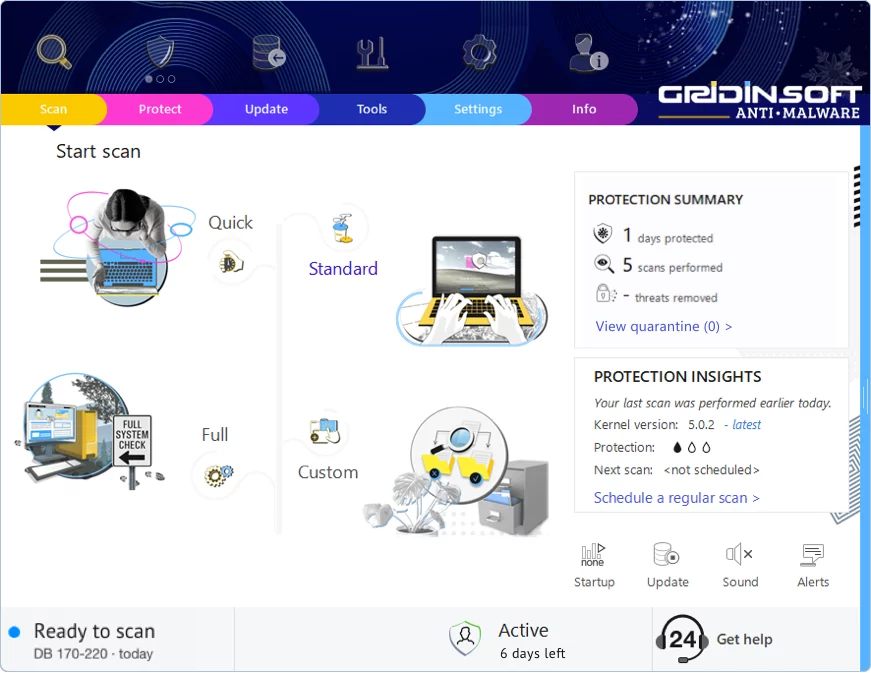
Gridinsoft has the capability to identify and eliminate Trojan.Win32.Amadey.tr without requiring further user intervention.
Download Anti-MalwareFollow these steps to completely remove the threat from your system
Stay Malware-Free: Keep Your PC Protected with Gridinsoft Anti-Malware
Gridinsoft Anti-Malware offers just that—peace of mind with a robust, user-friendly solution that’s constantly updated to combat the latest threats. Designed by cybersecurity experts, it provides real-time protection and effortless malware removal. It’s not just about detecting threats; it's about enhancing your digital life with uninterrupted security. Give it a try and experience what it feels like to browse worry-free!