
Malware Check Online Virus Scanner
The uploaded file itself is not retained or shared with third parties. File names, hashes, and analysis results may appear in public reports. For confidential material, contact Support before uploading. How we use your data.
Virus Scan Reports
These public reports contain file names, hashes, technical metadata, and analysis results, not the uploaded files themselves. To request removal of a report, contact Support with its URL or file hash.
Gridinsoft API allows you to submit files for scanning and retrieve results of analysis. To use it, you can create a free account.
How to remove computer virus?
Step 1 — Install Gridinsoft Anti-malware
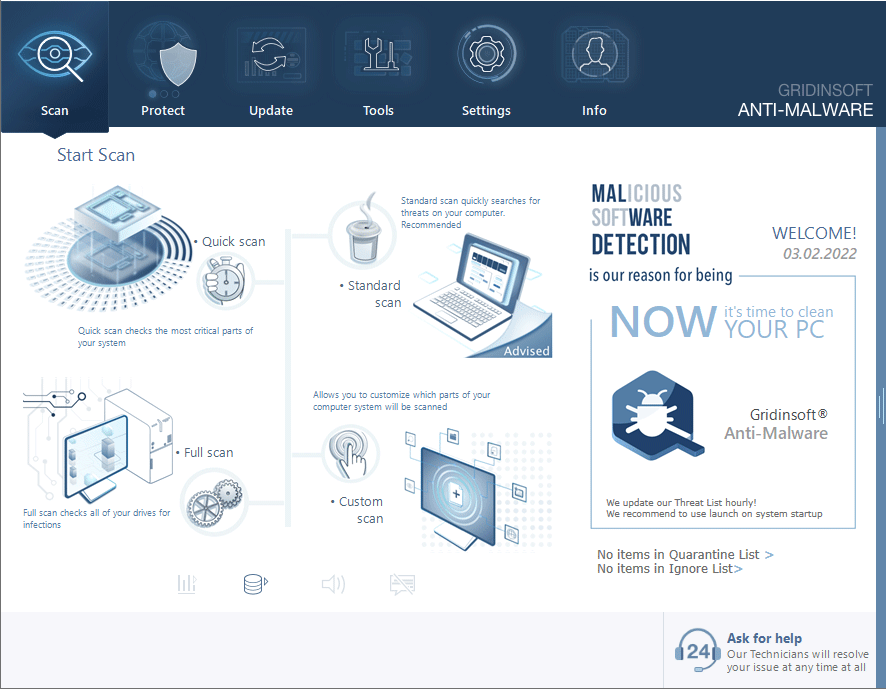
Download and install Gridinsoft Anti-malware. Then, click the “Standard Scan” button, and the virus detector engine quickly scans for virus.
Step 2 — Review found threats
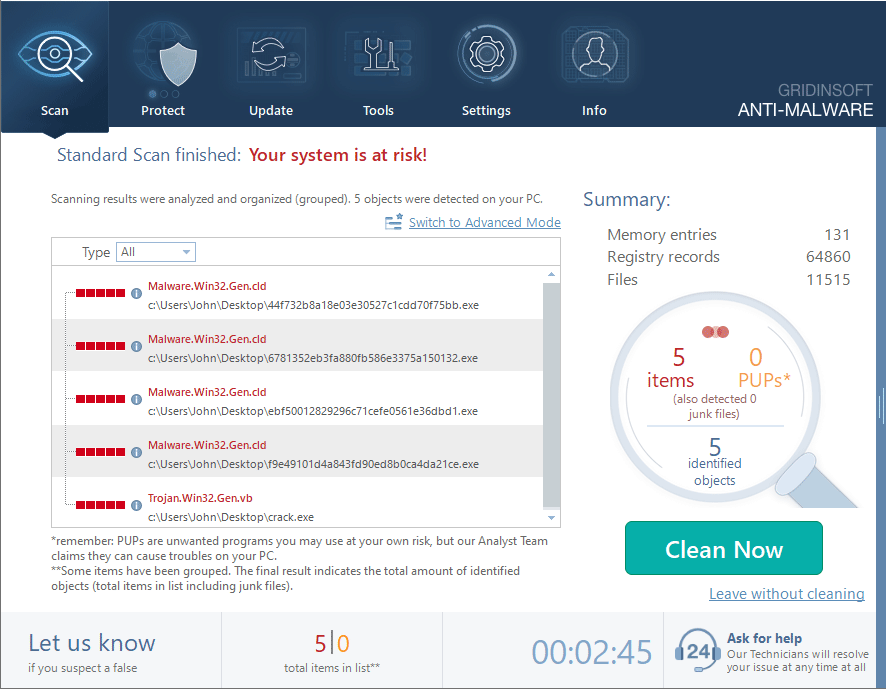
After the malware scan, Gridinsoft reports on any threats found and asks you to remove them.
Step 3 — Remove threats
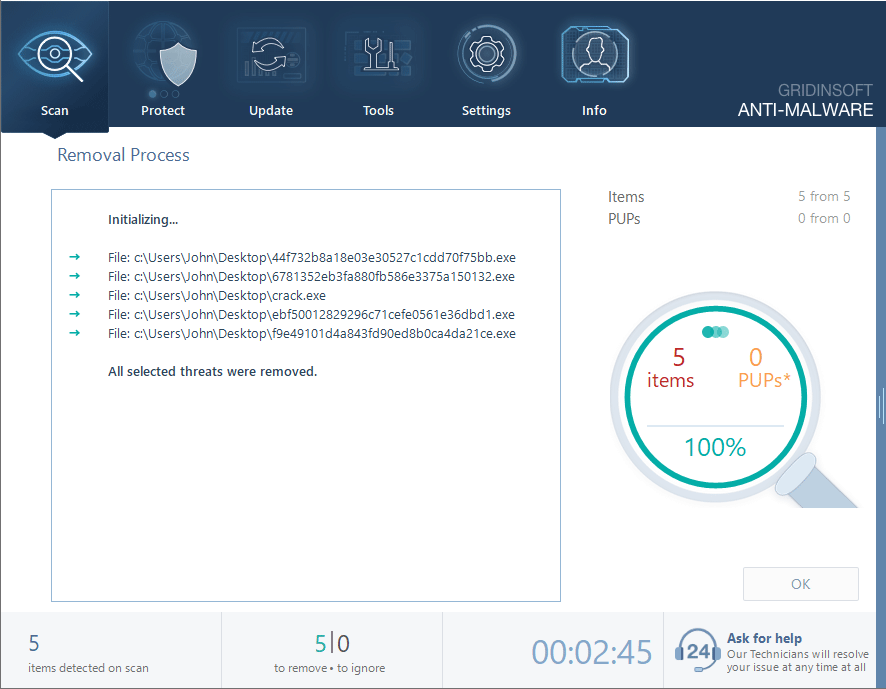
Once you click the "Clean Now", our antivirus tool will clean up found virus and threats, so your computer is secure and safe.
A Range Of Solutions To Stay Protected
Cure your PC from any kind of malware
Our Virus Scanner detects, removes, and prevents malware. Protect your computer today with Gridinsoft Anti-malware.
We've packed the world's largest threat-detection network and machine-learning malware protection into a single, lightweight malware scan and removal tool that won't slow down your PC.