
The FileLock-文件防删除保护工具v1.1.exe (文件防删除保护工具) File Analysis
Technical Analysis
| File Name | FileLock-文件防删除保护工具v1.1.exe |
| File Type |
PE32+ executable (GUI) x86-64, for MS Windows
|
| Scanner Version | 1.0.253.174 |
| Database Version | 2026-09-07 14:00:37 UTC |
Clean File
No threats detected by our scanner
Scan Another File
File Identification
| Hash Type | Value | Action |
|---|---|---|
| MD5 |
11d80c29afcd33e09f0a0045a409231f
|
|
| SHA1 |
ee963de4bbe95ec68ae5416d7db03f29695e0d3f
|
|
| SHA256 |
f0b35951ab58dc295c48dbea461f536c69c5cc34d4b2409da62d209d8cce28a3
|
|
| SHA512 |
466dc0bf31fa5f01b2aefa0f33ce9831303033a8be3f022aacf09396670f838266f440bbd676645b106493802f7105f76e7353785ec7f5c055c52c05e0ab0bf2
|
|
| ImpHash |
dcaf48c1f10b0efa0a4472200f3850ed
|
PE Analysis
Basic Information
▼| Icon |
Hash: c8ba4891ea10bbdd4a1021df236f3fa9
Fuzzy: 5201b509d37ee4d005f6f961889b6d0d dHash: 69ccd4dcdccc84c4 |
| Image Base | 0x140000000 |
| Entry Point | 0x14000dfc0 |
| Compilation Time | 2026-07-03 10:11:52 |
| Checksum | 0x00bd511e (Actual: 0x00bd511e) |
| OS Version | 6.0 |
| PEiD Signatures |
PE32+ executable (GUI) x86-64, for MS Windows
|
| Digital Signature | No valid SignedData structure was found. |
| Imports |
5 libraries
USER32, COMCTL32, KERNEL32, ADVAPI32, GDI32 |
| Exports | 0 functions |
| Resources | 9 Resources |
| Sections | 7 Sections |
Version Information
▼| CompanyName | 吾爱破解lxhwan100 |
| FileDescription | 文件防删除保护工具 |
| FileVersion | 1.0.0.0 |
| InternalName | FileLock |
| LegalCopyright | 吾爱破解lxhwan100 |
| OriginalFilename | FileLock.exe |
| ProductName | FileLock |
| ProductVersion | 1.0.0.0 |
| Translation | 0x0409 0x04b0 |
PE Sections
▼| Name | Virtual Address | Virtual Size | Raw Size | Entropy | Characteristics | MD5 |
|---|---|---|---|---|---|---|
.text |
0x00001000 |
181,392 bytes | 181,760 bytes | 6.47 (Normal) |
IMAGE_SCN_CNT_CODE|IMAGE_SCN_MEM_EXECUTE|IMAGE_SCN_MEM_READ
|
E0C77DBBCBCAB802310739B87B1CB097 |
.rdata |
0x0002e000 |
80,744 bytes | 80,896 bytes | 5.75 (Normal) |
IMAGE_SCN_CNT_INITIALIZED_DATA|IMAGE_SCN_MEM_READ
|
A5F0C4EC5D9EB8C0B20C08AE09D1853B |
.data |
0x00042000 |
20,656 bytes | 3,584 bytes | 1.82 (Normal) |
IMAGE_SCN_CNT_INITIALIZED_DATA|IMAGE_SCN_MEM_READ|IMAGE_SCN_MEM_WRITE
|
480AB7BE9BE730AFCEBB349CD1D2328A |
.pdata |
0x00048000 |
9,228 bytes | 9,728 bytes | 5.32 (Normal) |
IMAGE_SCN_CNT_INITIALIZED_DATA|IMAGE_SCN_MEM_READ
|
375CD8E9E26FC1B25836640492A05048 |
.fptable |
0x0004b000 |
256 bytes | 512 bytes | 0.00 (Normal) |
IMAGE_SCN_CNT_INITIALIZED_DATA|IMAGE_SCN_MEM_READ|IMAGE_SCN_MEM_WRITE
|
BF619EAC0CDF3F68D496EA9344137E8B |
.rsrc |
0x0004c000 |
372,576 bytes | 372,736 bytes | 3.75 (Normal) |
IMAGE_SCN_CNT_INITIALIZED_DATA|IMAGE_SCN_MEM_READ
|
838C81BE01B3D72D6806949522E51194 |
.reloc |
0x000a7000 |
1,908 bytes | 2,048 bytes | 5.26 (Normal) |
IMAGE_SCN_CNT_INITIALIZED_DATA|IMAGE_SCN_MEM_DISCARDABLE|IMAGE_SCN_MEM_READ
|
2B6E08476851652D83B5FD30F90F9AD7 |
Resource Analysis
▼| Resource Type | Count | Total Size | Percentage |
|---|---|---|---|
| RT_ICON | 6 | 369,968 bytes | |
| RT_GROUP_ICON | 1 | 90 bytes | |
| RT_VERSION | 1 | 676 bytes | |
| RT_MANIFEST | 1 | 1,293 bytes |
Certificate Chain Analysis
▼Certificate Information
| Product | FileLock |
| Description | 文件防删除保护工具 |
| File Version | 1.0.0.0 |
| Original Name | FileLock.exe |
| Internal Name | FileLock |
| Copyright | 吾爱破解lxhwan100 |
✓ This file has been digitally signed and the certificate chain has been verified
- The signature ensures file integrity and authenticity from the publisher
- Timestamping proves when the signature was applied
Certificate Verification Status
No valid SignedData structure was found.
Recommendation: Verify the file source and ensure it comes from a trusted publisher.
Remember: This is Result of Online Virus Scanner
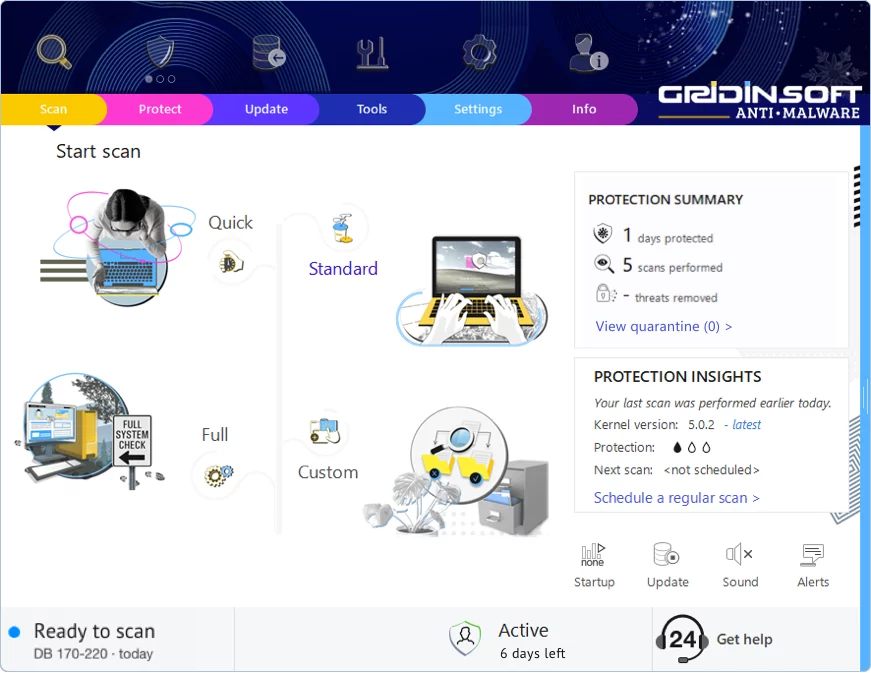
Gridinsoft Anti-Malware has a much more powerful virus scanning engine. We recommend using it for a more precise diagnosis of infected systems. This brief guide will help you install our flagship product for more accurate diagnostics:
Download Anti-MalwareKeep Your System Protected
This file appears clean, but regular security maintenance is important
-
1
Weekly Quick Scans: Set a reminder to run a scan every Sunday. Most infections are caught within the first week, so regular checks give you peace of mind.
-
2
Update Everything: Those annoying update popups exist for a reason — they patch security holes. Windows, browsers, Adobe, Java — keep them all current.
-
3
Download Smart: Stick to official websites and app stores. If a "free" version of paid software sounds too good to be true, it probably comes with unwanted extras.
-
4
Think Before You Click: Malware loves email attachments and "urgent" links. Even if an email looks like it's from your bank or a friend, verify suspicious requests through a different channel.
Leave a Comment

Gridinsoft Anti-Malware
Stay Malware-Free: Keep Your PC Protected with Gridinsoft Anti-Malware
Gridinsoft Anti-Malware offers just that—peace of mind with a robust, user-friendly solution that’s constantly updated to combat the latest threats. Designed by cybersecurity experts, it provides real-time protection and effortless malware removal. It’s not just about detecting threats; it's about enhancing your digital life with uninterrupted security. Give it a try and experience what it feels like to browse worry-free!