Open・s͜͡etUp・3433・P͜aꞩśWØȓÐ✅.rar Spy Gen Analysis
Technical Analysis
| File Name | Open・s͜͡etUp・3433・P͜aꞩśWØȓÐ✅.rar |
| File Type |
RAR archive data, v5
|
| Scanner Version | 1.0.185.174 |
| Database Version | 2024-08-26 21:00:29 UTC |
Spy.U.Gen.tr
Malware family: Gen
Scan Another File
File Identification
| Hash Type | Value | Action |
|---|---|---|
| MD5 |
3ef16154da02aa764b0b8dc4b6d64204
|
|
| SHA1 |
d0e416acb9eb31a917b9faceaebd3e2db35c4ab1
|
|
| SHA256 |
b0a6ab02d9a6fd9957521fb45cb587b8e4fc77c4cb4a47fb06d94c491086ccac
|
|
| SHA512 |
111fe048e08fe7971a7d32cf09f650809be674e802dd7a848ef6c1d9043ba1a14f2ededad0239119748e0a93e76fc6f47e0ae243d07eab00661d0edb16c6333b
|
Spy.U.Gen.tr Removal
Gridinsoft has the capability to identify and eliminate Spy.U.Gen.tr without requiring further user intervention.
Download Anti-MalwareRemoval Instructions
Follow these steps to completely remove the threat from your system
-
1
Get Gridinsoft Anti-Malware — it's a quick 2 MB download that won't slow down your PC.
-
2
Run the installer gsam-en-install.exe. The setup takes about 2 minutes and doesn't require a restart.
-
3
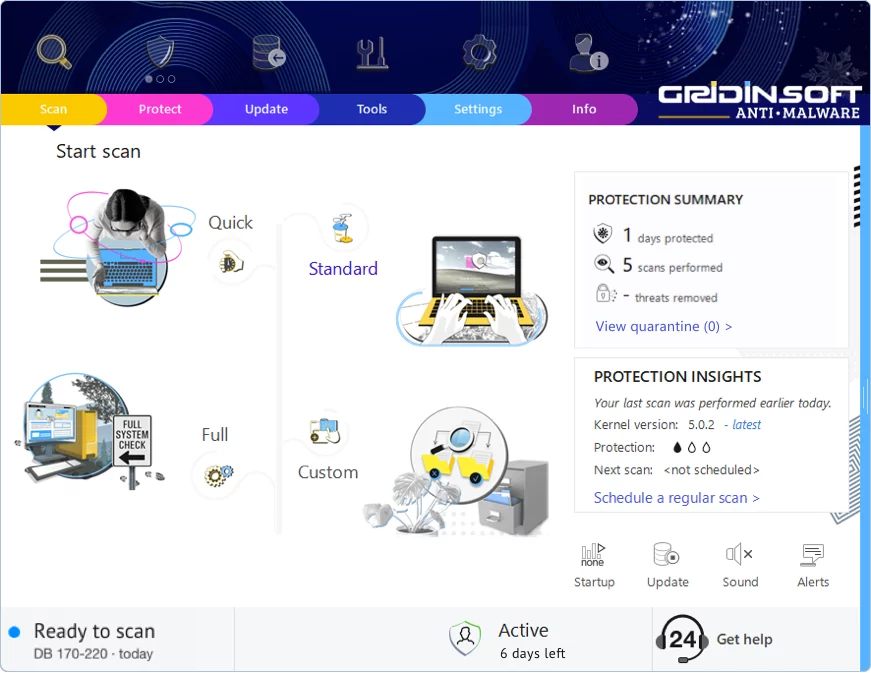
The app launches right after installation. You'll see the main dashboard with the scan button front and center.
-
4
Hit "Standard Scan" — this checks all the spots where malware typically hides: temp folders, browser data, startup programs, and system directories.
-
5
Once the scan finds this threat, click "Clean Now". The removal usually happens instantly, though some stubborn infections may need a reboot.
-
6
If you see a restart prompt, go ahead and reboot. This clears any malware that was running in memory and ensures your system starts fresh.
Leave a Comment

Gridinsoft Anti-Malware
Stay Malware-Free: Keep Your PC Protected with Gridinsoft Anti-Malware
Gridinsoft Anti-Malware offers just that—peace of mind with a robust, user-friendly solution that’s constantly updated to combat the latest threats. Designed by cybersecurity experts, it provides real-time protection and effortless malware removal. It’s not just about detecting threats; it's about enhancing your digital life with uninterrupted security. Give it a try and experience what it feels like to browse worry-free!