The pcnema-windows.msi File Analysis
Technical Analysis
| File Name | pcnema-windows.msi |
| File Type |
Composite Document File V2 Document, Little Endian, Os: Windows, Version 6.2, MSI Installer, Code page: 1252, Title: Installation Database, Subject: Pcnema, Author: pcnema, Keywords: Installer, Commen...
Truncated - click to expand |
| Scanner Version | 1.0.191.174 |
| Database Version | 2024-10-05 13:00:45 UTC |
Clean File
No threats detected by our scanner
Scan Another File
File Identification
| Hash Type | Value | Action |
|---|---|---|
| MD5 |
02eb598ff04d0d7dfb79ba1af4c52d18
|
|
| SHA1 |
2d180eb225c646acb8e5a589611467dc16482d34
|
|
| SHA256 |
fe5c32ec712537d9b457c8354522b0a32cf7c231968850ce49ead114f2092541
|
|
| SHA512 |
14a66ec65f3e2fe9b2619cfb09008e3c8aa30b2905a723a0aa57422ed3bc172b28f4d5b39f431bf2b730938e0bec4801b7cceabcec84169893b0536893e7f393
|
Remember: This is Result of Online Virus Scanner
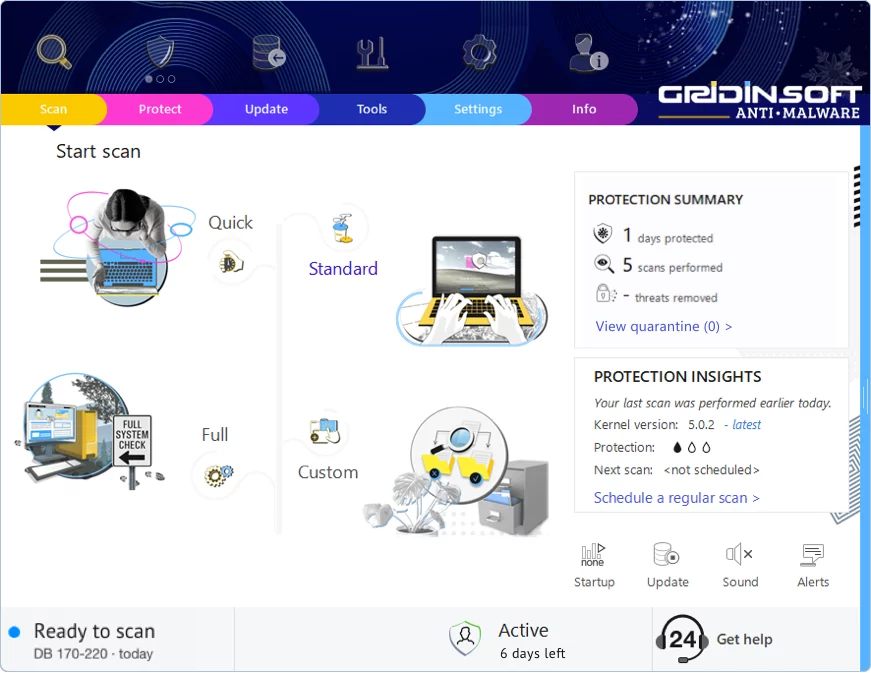
Gridinsoft Anti-Malware has a much more powerful virus scanning engine. We recommend using it for a more precise diagnosis of infected systems. This brief guide will help you install our flagship product for more accurate diagnostics:
Download Anti-MalwareKeep Your System Protected
This file appears clean, but regular security maintenance is important
-
1
Weekly Quick Scans: Set a reminder to run a scan every Sunday. Most infections are caught within the first week, so regular checks give you peace of mind.
-
2
Update Everything: Those annoying update popups exist for a reason — they patch security holes. Windows, browsers, Adobe, Java — keep them all current.
-
3
Download Smart: Stick to official websites and app stores. If a "free" version of paid software sounds too good to be true, it probably comes with unwanted extras.
-
4
Think Before You Click: Malware loves email attachments and "urgent" links. Even if an email looks like it's from your bank or a friend, verify suspicious requests through a different channel.
Leave a Comment

Gridinsoft Anti-Malware
Stay Malware-Free: Keep Your PC Protected with Gridinsoft Anti-Malware
Gridinsoft Anti-Malware offers just that—peace of mind with a robust, user-friendly solution that’s constantly updated to combat the latest threats. Designed by cybersecurity experts, it provides real-time protection and effortless malware removal. It’s not just about detecting threats; it's about enhancing your digital life with uninterrupted security. Give it a try and experience what it feels like to browse worry-free!