The Y7-Knowledge-organiser.pdf File Analysis
Technical Analysis
| File Name | Y7-Knowledge-organiser.pdf |
| File Type |
PDF document, version 1.7
|
| Scanner Version | 1.0.257.174 |
| Database Version | 2026-10-18 13:07:04 UTC |
Clean File
No threats detected by our scanner
Scan Another File
The uploaded file itself is not retained or shared with third parties. File names, hashes, and analysis results may appear in public reports. For confidential material, contact Support before uploading. How we use your data.
File Identification
| Hash Type | Value | Action |
|---|---|---|
| MD5 |
749d8c5917ffac222532455b43ef94ee
|
|
| SHA1 |
ffde04e839ba04bc577ab2ca5c9ea24af7f565bc
|
|
| SHA256 |
e4df1065250f0ca68a2870880fcca16cc52be62553acf5855c380af36912cb4b
|
|
| SHA512 |
20ee31baa3eb9af614d240c046fbfad9d779b24c292ad8da5f166dc152924381c5b20145d84f77da168b883474a0738f255b9f1dc29c896903fbbb819b9c29ba
|
Remember: This is Result of Online Virus Scanner
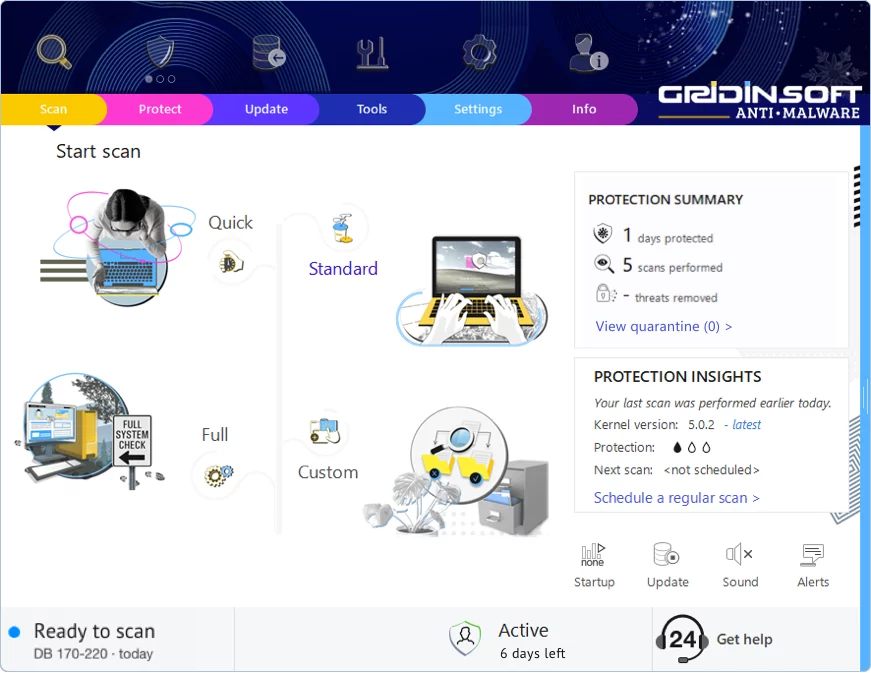
Gridinsoft Anti-Malware has a much more powerful virus scanning engine. We recommend using it for a more precise diagnosis of infected systems. This brief guide will help you install our flagship product for more accurate diagnostics:
Download Anti-MalwareKeep Your System Protected
This file appears clean, but regular security maintenance is important
-
1
Weekly Quick Scans: Set a reminder to run a scan every Sunday. Most infections are caught within the first week, so regular checks give you peace of mind.
-
2
Update Everything: Those annoying update popups exist for a reason — they patch security holes. Windows, browsers, Adobe, Java — keep them all current.
-
3
Download Smart: Stick to official websites and app stores. If a "free" version of paid software sounds too good to be true, it probably comes with unwanted extras.
-
4
Think Before You Click: Malware loves email attachments and "urgent" links. Even if an email looks like it's from your bank or a friend, verify suspicious requests through a different channel.
Leave a Comment
Gridinsoft Anti-Malware
Stay Malware-Free: Keep Your PC Protected with Gridinsoft Anti-Malware
Gridinsoft Anti-Malware offers just that—peace of mind with a robust, user-friendly solution that’s constantly updated to combat the latest threats. Designed by cybersecurity experts, it provides real-time protection and effortless malware removal. It’s not just about detecting threats; it's about enhancing your digital life with uninterrupted security. Give it a try and experience what it feels like to browse worry-free!