
Brainway.app Suspicious Website
Brainway → Safety Check
How we scored brainway.app
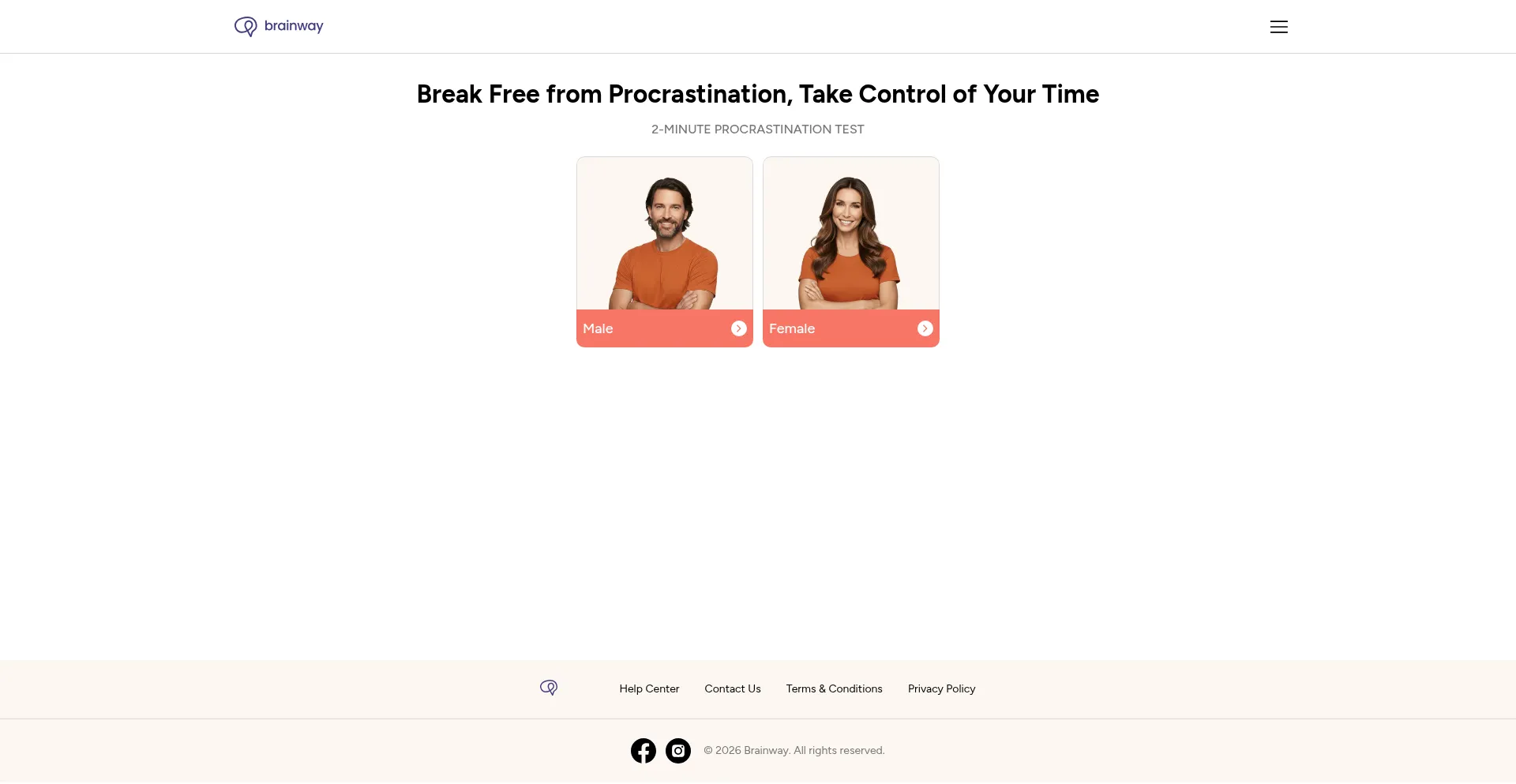
What is Brainway?
Our system marks Brainway.app as suspicious. The decision is based on a cluster of weak trust signals, not one isolated event.
Examples we frequently observe in this group: ownership data that cannot be verified, support pages with no workable contacts, reused template content, and redirects/scripts that do not match the visible site purpose. Each item alone may be explainable. Together, they increase user risk.
Recommended handling: treat this domain as untrusted. View pages only, avoid sign-in, avoid payments, and do not download files unless the source can be independently confirmed.

Is brainway.app safe?
— Unfortunately, not likely.
🚨 Gridinsoft blocks this website because it was classified as suspicious website.
brainway.app should not be treated as a safe website. Gridinsoft gives it a 25/100 trust score, and multiple security vendors blacklist the domain. Avoid entering passwords, personal details, or payment data.
Why is brainway.app marked "Suspicious Website"?
Gridinsoft evaluates brainway.app, focusing on limited website popularity, suspicious content indicators (Blacklisted by Security Providers, Blacklisted, Low Scamadviser Score), hosting technology and infrastructure, SSL certificate status, website reputation across multiple databases, customer reviews from various independent platforms (1091 reviews). We weigh these indicators to calculate the trust score.
Note: Automated systems are not perfect — while the evidence suggests risk, there is still a chance the site is legitimate. We recommend you check the website using detailed analysis or by contacting the company directly through verified channels.

Stay safe with Gridinsoft Anti-Malware: Protect your browser, remove harmful extensions, and secure your privacy in just a few clicks.
Brainway Digital Footprints
A structured view of the site's detected themes, page signals, and related online footprint elements.
This website is built using React, a popular JavaScript library for creating interactive user interfaces.
This website offers a mobile application for Android devices, indicating expanded platform presence beyond web-based services.
This website has an iOS mobile application available, indicating cross-platform accessibility for Apple device users.
This website uses Google Tag Manager to add and update tracking tags on its website.
This website is proxied through Cloudflare's CDN/network and has Cloudflare Browser Insights enabled.
The presence of social media links on the website indicates that it references social media accounts. This signal alone does not confirm ownership or authenticity of those profiles.
Security Alert: Several security scanners have marked this site as unsafe. The site shows signs of potentially harmful activity, such as malware or phishing, which may put users at risk (Warning Summary).
This site contains text patterns consistent with machine-generated or AI-assisted content production.
Gridinsoft Internet Security classified brainway.app as unsafe. As a VirusTotal partner, our detections contribute to broader protection across tools and browsers.
Independent security assessment from Scamadviser indicates this site has received a low trust rating, suggesting potential security risks or operational concerns requiring user caution.
Ownership verification confirms that this site controls the YouTube channel Brainway (@brainwayapp) (1,570 subscribers, 65 videos, 86,055 total views, since 2024, country: US).
Provider warnings: 5/29 Suspicious Website
This section shows what trusted security sources say about this site.
A warning appears when one or more sources report malware, phishing, abuse, or other safety concerns. Each row shows the source and its verdict.
If no source reports a warning, the site is shown as clear in this section.
Brainway.app blocked? Check the provider verdict report created on August 7, 2026
Domain Information
Technical Details
jessica.ns.cloudflare.com
Content Analysis
Security Analysis
How to block Brainway.app?
Our Anti-Malware can automatically block access to brainway.app if it is flagged as malicious.
- Install and run the protection.
- The program will block flagged domains and remove related threats.
Exclusion
If you believe brainway.app is safe, you can add it to the exclusion list:
- Open Gridinsoft Anti-Malware → Tools → Ignore List.
- Go to the Internet tab and add brainway.app.
See detailed instructions for more options.
Are You the Owner?
If you own Brainway.app and want to challenge the trust score, please submit a review request via portal.gridinsoft.com. There you can claim your profile and add verified company/contact details. If you cannot access the portal, email legal(at)gridinsoft.com with proof of legitimacy and contact details. We never charge website owners for reviews or reconsideration requests. For more information, please review our Disclaimer.
Leave a review

Help protect others by sharing this page on social media! The more people who know about brainway.app, the fewer chances they have to deceive someone else. Help others evaluate brainway.app by sharing this page on social media!